If a Wi-Fi circuit breaker shows as offline in the app, first check whether one device or several are affected. Record the time, model, firmware version and any recent network or power changes. This helps narrow the fault before anyone changes settings or visits the site.
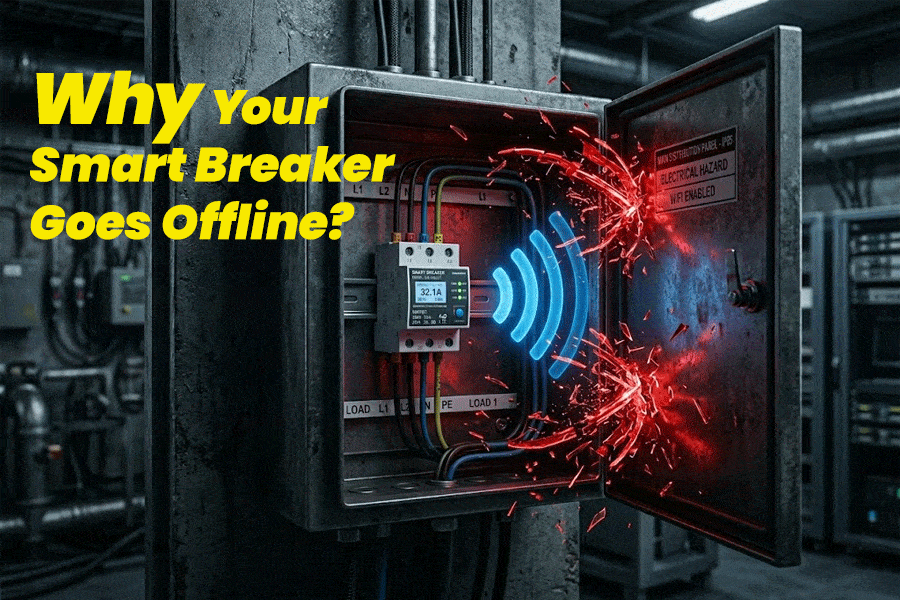
1. Check signal coverage with the cabinet closed
A metal enclosure can weaken the Wi-Fi signal. Assess coverage with the cabinet in its normal operating configuration and check the access point logs for repeated disconnections. If coverage is poor, ask the network administrator to assess an access point location outside the cabinet. Any enclosure changes must follow the project requirements and equipment documentation.
2. Distinguish loss of power from loss of network connectivity
Compare disconnection times with supply interruptions or load changes. If there are signs of overheating or repeated trips, have a qualified professional inspect the installation against the exact model documentation. The app’s offline indicator alone cannot identify an electrical fault.
3. Check the network, firmware and remote access
Confirm which Wi-Fi band the model supports and whether the network name or password has changed. If several devices go offline at once, check the access point logs and internet connection before pairing devices again. Check the firmware version and record which controls remain available on the local network.
See Tuya’s offline-device troubleshooting guide and eWeLink’s notes on local control for compatible devices.
Request support for the exact model
Provide the model, firmware, app, disconnection times and the results of your checks. Read our Tuya and eWeLink comparison, browse Soltree’s Wi-Fi circuit breaker range or contact Soltree to request the documentation for the model.