For electrical contractors and system integrators, there are few things more frustrating than completing a smart panel installation only to receive a call from the client a week later: “The smart breaker is offline again.”
When a tuya wifi mcb keeps going offline, it is not just a minor inconvenience. In the B2B world, an offline device means a “truck roll”—dispatching a certified electrician to the site just to troubleshoot or reset a connection. These unnecessary maintenance trips quickly eat away at your project margins and damage your reputation.
Most consumer blogs will tell you to “just restart your router.” But in commercial and industrial environments, the problem is rarely that simple. Here are the three real, technical reasons your smart breaker keeps disconnecting, and the professional fixes to stop it for good.
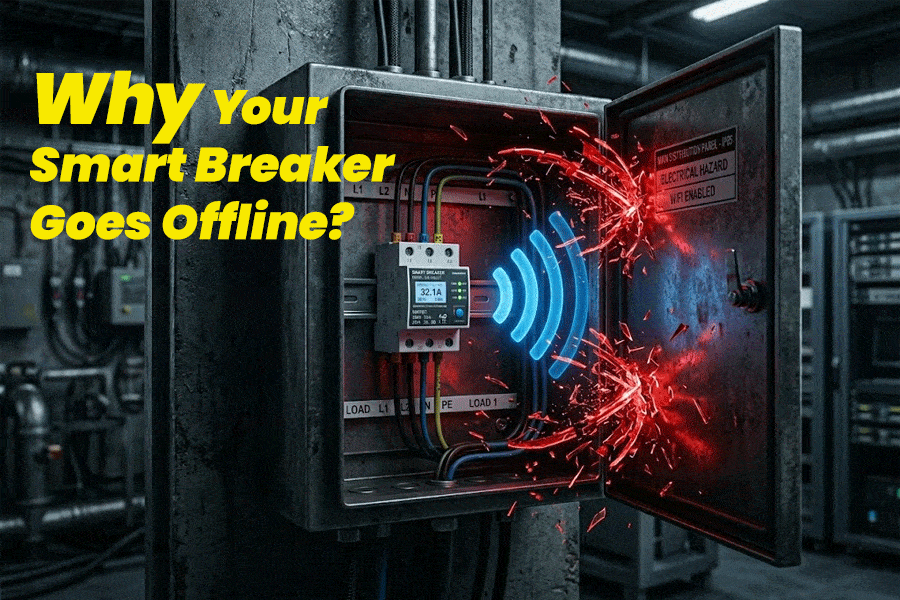
Reason 1: The “Faraday Cage” Effect in Metal Distribution Boxes
This is the number one mistake made in commercial smart electrical installations. A standard smart breaker in a metal distribution box is effectively sitting inside a Faraday cage.
Heavy-duty steel enclosures are fantastic for fire safety and physical protection, but they completely block or severely degrade Radio Frequency (RF) signals, including your 2.4GHz WiFi. If your breaker connects when the panel door is open but drops offline an hour after you close and lock the metal door, you have a signal shielding problem.
The Professional Fix:
- Enclosure Swap: If local codes allow, use heavy-duty polycarbonate (plastic) IP65 distribution boxes for IoT electrical nodes instead of metal.
- Signal Repeaters: Install a dedicated WiFi repeater or Access Point (AP) in the same room, maintaining a direct line of sight to the panel’s ventilation slots.
- Source Better Hardware: Choose an industrial grade smart circuit breaker designed with high-gain internal antennas that are specifically calibrated to punch through moderate interference.
Reason 2: Thermal Throttling (When Heat Kills the WiFi Chip)
This is the most misunderstood issue in the industry, particularly when dealing with 63a smart breaker connection issues.
Often, contractors complain that the breaker drops offline whenever heavy appliances (like an HVAC system or solar inverter) turn on. They blame the router, but the actual culprit is heat.
When a breaker carries a heavy electrical load, the internal copper and bi-metal strips generate significant heat. If you are using a cheap, poorly designed smart breaker, that heat cannot escape. Once the internal temperature reaches the critical threshold of the WiFi communication chip (usually around 85°C / 185°F), the chip triggers a self-preservation mode and shuts down the network connection to prevent melting. This is known as smart breaker thermal throttling offline.
The Professional Fix:
- The 80% Rule: Never load a smart breaker to 100% of its capacity for continuous loads. If your breaker is overheating, you might be using a 16A breaker for a 32A load. [Read our complete guide: How to Choose the Right Amperage (16A/32A/63A) for Your WiFi Circuit Breaker] to avoid this sizing mistake.
- Airflow: Leave a small gap (using a spacer) on the DIN rail between high-amperage smart breakers to allow for passive cooling.
Reason 3: Router Overload & 2.4GHz Network Congestion
Smart WiFi circuit breakers operate exclusively on the 2.4GHz band because it offers better wall-penetration capabilities than 5GHz. However, the 2.4GHz band is incredibly crowded.
If you install a smart panel in a commercial building using the client’s standard ISP-provided router, that router is likely already overwhelmed by employee smartphones, laptops, and wireless printers. Most standard routers begin dropping “low priority” IoT devices once the connection count exceeds 30-40 devices.
The Professional Fix:
- Dedicated IoT Network: Always set up a dedicated 2.4GHz SSID specifically for the building’s smart automation system.
- Static IP Allocation: Assign static IP addresses to your smart breakers within the router settings to prevent IP conflicts and DHCP lease expirations from knocking the devices offline.
The Ultimate Fix: Stop Paying for “Truck Rolls”
You can upgrade your routers and change your distribution boxes, but you cannot fix low-quality hardware. If you are constantly battling connection drops, it might be time to evaluate your supplier. Cheap, uncertified smart breakers use inferior communication modules and lack the proper heat sinks required for heavy commercial loads.
To completely reduce truck rolls on smart electrical installations, you need hardware built for the job. Our high-performance Tuya WiFi MCBs are engineered with industrial-grade thermal management and enhanced RF antennas to ensure rock-solid stability, even under heavy loads.
- Tired of losing profit to maintenance calls? Contact our engineering team today to request a sample of our ultra-stable Tuya Smart Breakers and secure our 2026 wholesale catalog!